
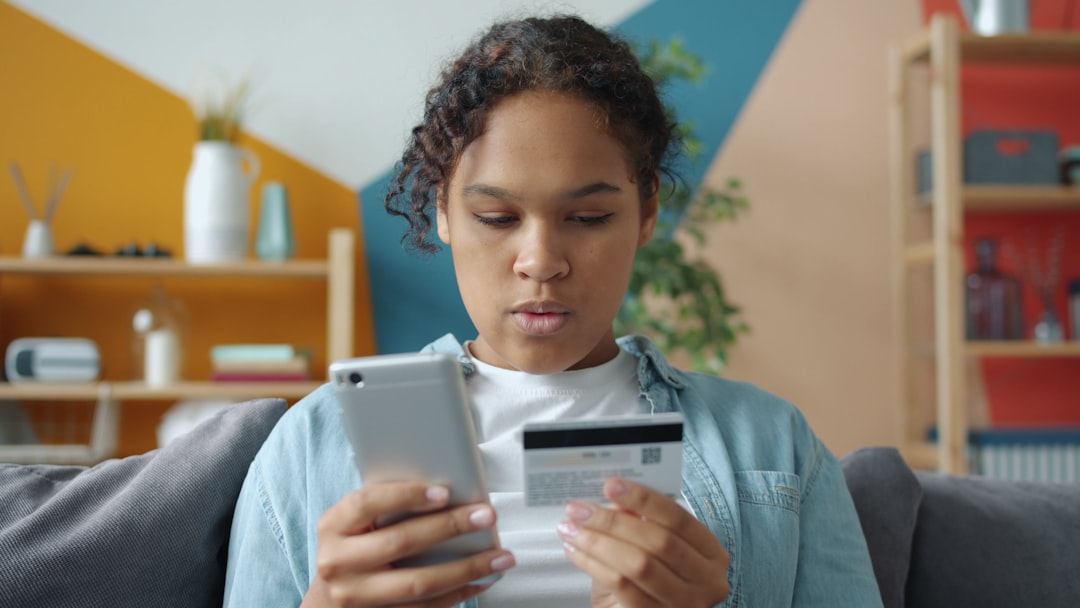
Welcome to the era where your financial institution fits comfortably in your pocket. Banking mobile isn’t just a trend; it’s a fundamental shift in how we manage our money, offering unparalleled convenience and control. This comprehensive guide will transform your understanding of mobile banking, explaining complex features in simple terms and empowering you to harness its full potential. Imagine managing your finances, paying bills, and even depositing checks instantly from anywhere, without ever stepping into a branch. That’s the power of modern mobile banking.

What Exactly is Mobile Banking?
Mobile banking refers to the act of performing financial transactions and accessing banking services through a dedicated mobile application on your smartphone or tablet. It’s an extension of online banking, specifically optimized for handheld devices, providing secure access to your accounts on the go. This means your bank is always open, fitting into your schedule rather than forcing you to adhere to theirs.
Why this matters in real life: In a fast-paced world, time is a precious commodity. Mobile banking eliminates the need for physical visits to bank branches or ATMs for many common transactions, freeing up hours in your week. Think of checking your balance before a spontaneous purchase, or paying an urgent bill while waiting for a flight – all possible with just a few taps.
Key Features and Benefits of Modern Mobile Banking
Today’s mobile banking apps offer a robust suite of features designed to simplify your financial life. These aren’t just digital versions of basic services; they are powerful tools that offer speed, control, and enhanced security.
- Account Management: Easily check account balances, review transaction history, and monitor pending payments. You get real-time visibility into your money.
- Funds Transfer: Move money between your own accounts or to other individuals and businesses securely and instantly. This is crucial for managing various financial obligations.
- Bill Pay: Set up one-time or recurring payments for utilities, loans, and credit cards directly from your phone. This prevents late fees and streamlines budgeting.
- Remote Check Deposit: Deposit checks by simply taking a photo with your phone’s camera. This eliminates trips to the bank, saving time and gas.
- Alerts and Notifications: Receive real-time alerts for significant transactions, low balances, or suspicious activity. These alerts are vital for staying informed and preventing fraud.
Scenario: Imagine you’re traveling abroad and need to pay an urgent credit card bill back home to avoid interest charges. With robust banking mobile features, you can securely log in, make the payment, and confirm it within minutes, all from your hotel room, avoiding stress and potential financial penalties. This immediate access provides immense peace of mind.
Mini Case Study: A typical user, handling 5-7 bills monthly and depositing 1-2 checks, could save approximately 2-4 hours per month by exclusively using mobile bill pay and remote check deposit. Over a year, this amounts to 24-48 hours reclaimed, which could be spent on hobbies, family, or work. This illustrates the tangible efficiency gains.
Beyond the Basics: Advanced Mobile Banking Tools
Many modern apps go beyond transactions, integrating features that empower deeper financial understanding.
- Budgeting Tools: Categorize spending, set budgets, and visualize your financial habits. These tools help you track where your money goes.
- Credit Score Monitoring: Access your credit score and reports, often with tips for improvement. This helps you understand and improve your financial health.
- Investment Integration: View brokerage accounts, transfer funds, and even make basic trades directly within your banking app. This provides a holistic view of your wealth.
Why this matters in real life: These advanced tools help users gain a holistic view of their finances, encouraging better spending habits, savings, and investment decisions. They turn a transaction platform into a personal financial advisor.

Getting Started with Mobile Banking: A Step-by-Step Guide
Adopting mobile banking is straightforward. Here’s how you can begin transforming your financial management:
- Choose Your Bank: Most major banks and credit unions offer robust mobile banking apps. Ensure your current financial institution supports mobile banking.
- Download the App: Search for your bank’s official app in your smartphone’s app store (e.g., Apple App Store for iOS or Google Play Store for Android). Always verify it’s the official app from your bank.
- Register or Log In: If you’re an existing online banking user, you’ll typically use your existing credentials. New users may need to register through the app or your bank’s website, providing personal details for verification.
- Set Up Security Features: Enable strong security measures like biometric authentication (fingerprint or facial recognition) or a strong PIN. This adds a crucial layer of protection.
- Explore Features and Set Up Alerts: Familiarize yourself with the app’s interface. Set up transaction alerts, low balance notifications, and payment reminders.
Real-life example: After successfully downloading and logging into your bank’s app, you might receive an in-app tour. This tour could guide you through making your first mobile check deposit by simply photographing the check, setting up a recurring payment for your rent, or transferring funds to your savings account, illustrating the ease of use.
Fortifying Your Finances: Mobile Banking Security Best Practices
While incredibly convenient, mobile banking requires diligence in security. Protecting your financial information is paramount.
- Strong, Unique Passwords: Use complex, unique passwords for your banking app and change them regularly. Avoid easily guessable information.
- Enable Biometric Authentication: Whenever possible, use fingerprint or facial recognition. These methods are generally more secure than PINs.
- Beware of Public Wi-Fi: Avoid accessing your banking app on unsecured public Wi-Fi networks, as they can be vulnerable to eavesdropping. Use your cellular data instead.
- Monitor Transaction Alerts: Actively review the transaction alerts you receive. Promptly report any suspicious activity to your bank. This is your first line of defense.
- Keep Your App Updated: Always install app updates. These often include critical security patches and performance enhancements.
- Report Lost/Stolen Devices Immediately: If your phone is lost or stolen, contact your bank immediately to temporarily disable mobile access. For more general advice on securing your finances, consult resources like the Consumer Financial Protection Bureau at www.consumerfinance.gov.
Scenario: Imagine you accidentally leave your phone at a coffee shop. If you have a strong password and biometric authentication enabled, an unauthorized user finding your phone will be unable to access your bank accounts, even if they manage to unlock the device itself. This layered protection buys you time to secure your accounts.
Why this matters in real life: Proactive security measures protect your money and your identity from fraudsters. A breach can lead to significant financial and emotional stress, so prevention is key.
Choosing the Right Mobile Banking App for You
While most banks offer apps, their quality and features can vary. Consider these factors when choosing:
- Feature Set: Does it offer all the services you need (bill pay, check deposit, budgeting, transfers)?
- User Interface (UI) and Experience (UX): Is the app intuitive, easy to navigate, and visually appealing? A cluttered or confusing app can hinder usability.
- Security Ratings: Look for banks with strong security protocols and a good track record.
- Customer Support: Can you easily contact support through the app if you encounter issues?
- Compatibility: Is the app compatible with your specific mobile device and operating system?
Real-life example: If you frequently manage multiple accounts or track investments, an app offering integrated budgeting tools and investment portfolio views, perhaps with insights from financial news sources like www.bloomberg.com, would be more beneficial than a basic app focused solely on transactions. It should align with your specific financial habits and needs.

Frequently Asked Questions (FAQ) About Mobile Banking
Is mobile banking safe?
Yes, mobile banking is generally very safe, employing encryption, multi-factor authentication, and fraud monitoring. However, its safety also relies on users following security best practices, like strong passwords and avoiding public Wi-Fi for sensitive transactions. Banks invest heavily in security technologies.
Can I open a new account through mobile banking?
Many banks now allow new account openings directly through their mobile app, complete with identity verification via document scans and video calls. This streamlined process makes banking more accessible.
What if I lose my phone?
If your phone is lost or stolen, immediately contact your bank to report it. They can temporarily disable mobile access to your accounts. Additionally, use your phone’s remote wipe feature if available, and change your banking passwords on another device.
Are there fees for using mobile banking?
In most cases, banks do not charge specific fees for using their mobile banking apps. However, standard transaction fees (e.g., for wire transfers or international payments) still apply. Always check your bank’s fee schedule for details.
Conclusion
Mobile banking has revolutionized personal finance, offering an unparalleled level of convenience, control, and security. From paying bills and transferring funds to depositing checks and monitoring your credit score, the power to manage your financial life is literally in your pocket. By understanding its features, embracing security best practices, and leveraging advanced tools, you can transform your relationship with money, making it more efficient and empowering.
Embrace the future of finance today. Download your bank’s official app, set up strong security, and explore the vast capabilities it offers. For additional guidance on protecting your money, visit trusted governmental resources like the FDIC at www.fdic.gov. Start enjoying the instant power of mobile banking and gain true financial control.
Disclaimer: The information provided in this article is for educational purposes only and does not constitute financial advice.