
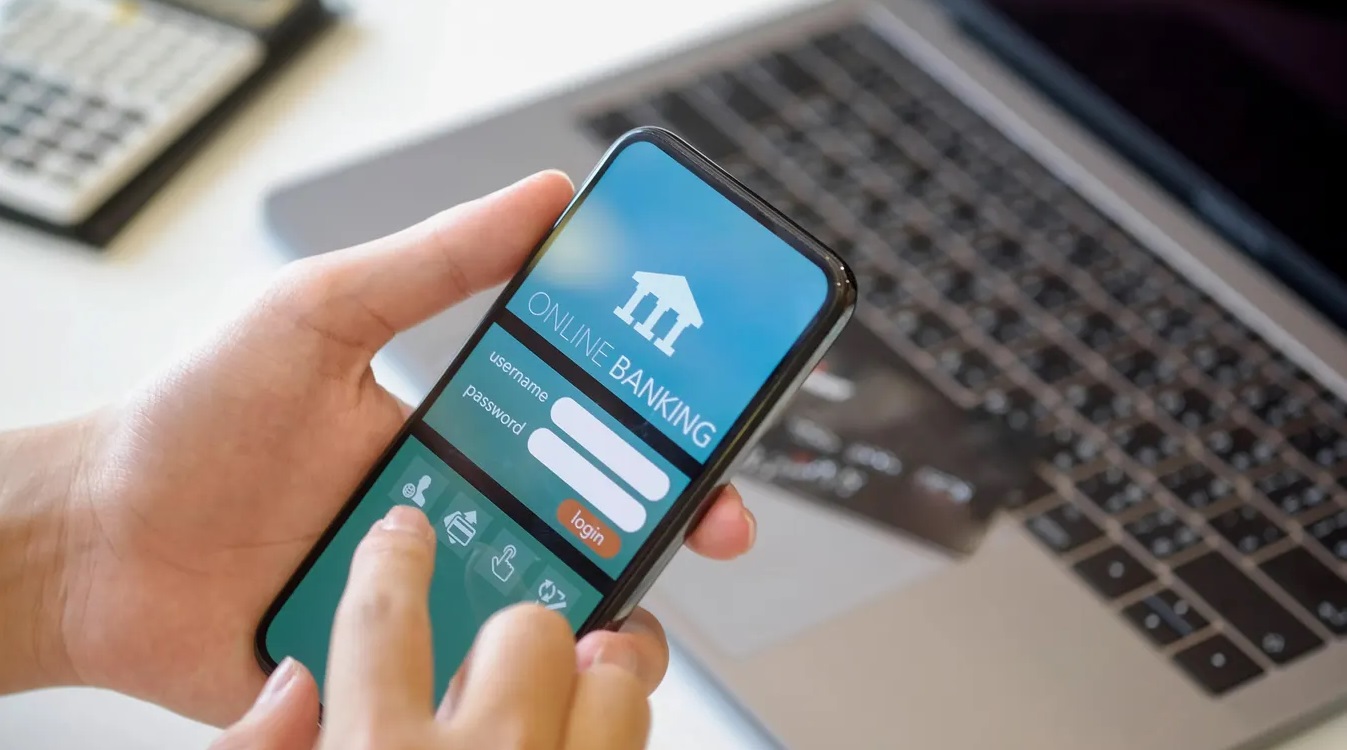
In today’s fast-paced world, managing your money efficiently is paramount. Online banking has revolutionized how we interact with our finances, offering unparalleled convenience and control. It’s no longer just a trend; it’s an essential tool for effortless money management. This comprehensive guide will explain everything you need to know about online banking, from its core features to advanced security protocols and smart strategies for financial growth.
Imagine having your bank branch accessible 24/7, right at your fingertips. That’s the power of online banking. It empowers you to handle most banking transactions from anywhere, anytime, using a computer or mobile device. This guide will walk you through leveraging these digital tools to optimize your financial life, ensuring both convenience and peace of mind.

What is Online Banking and Why Does it Matter?
Online banking refers to performing banking transactions electronically via the internet. Instead of visiting a physical branch, you use a secure website or mobile app to manage your accounts. This digital access extends to a wide array of services typically offered at a brick-and-mortar bank.
Why does this matter in real life? Consider this: You’re on vacation, hundreds of miles from home, and suddenly remember a utility bill is due. With online banking, you can simply log in from your phone or laptop and pay it instantly. This eliminates late fees, stress, and the need to rush back to a physical location. It’s about gaining control and flexibility over your financial obligations, fitting banking into your schedule, not the other way around. In essence, it transforms banking from a chore into a seamless part of your daily life, saving you time and potential penalties.
Key Features and Benefits of Digital Banking
Modern online banking platforms offer a rich suite of features designed to simplify your financial tasks. Understanding these tools is the first step toward effective money management.
- Checking Balances & Transactions: Instantly view your current account balances and review recent transactions. Why this matters: You always know exactly how much money you have and where it’s going, preventing overdrafts and helping you track spending in real-time.
- Bill Pay & Transfers: Set up one-time or recurring payments for bills, and transfer funds between your own accounts or to others. Why this matters: Automating bill payments ensures you never miss a due date, avoiding late fees. Transferring funds is quick and easy, whether you’re moving money to savings or sending it to a family member.
- Mobile Check Deposit: Deposit checks simply by taking a picture with your smartphone camera. Why this matters: This saves you a trip to the bank or ATM, making it incredibly convenient, especially if you receive physical checks infrequently.
- Account Alerts: Receive notifications for low balances, large transactions, or suspicious activity via email or text. Why this matters: These alerts act as your personal financial watchdog, keeping you informed and helping to detect potential fraud or overspending early.
- Budgeting Tools & Insights: Many platforms offer tools to categorize spending, set budgets, and visualize your financial habits. Why this matters: These insights are invaluable for understanding your spending patterns and making informed decisions to reach your financial goals, like saving for a down payment or retirement.
Imagine you want to save between $500 and $1,000 each month for a new car. With online banking, you can set up an automatic transfer of that amount from your checking to your savings account on payday. This “set it and forget it” approach makes consistent saving effortless, turning your financial aspirations into achievable goals without constant manual effort.

Getting Started with Online Banking: A Step-by-Step Guide
Embracing online banking is straightforward. Follow these steps to set up and manage your digital financial hub securely.
- Choose a Bank: Most reputable banks offer robust online banking services. If you already have an account, check if they provide online access. If not, research banks known for user-friendly interfaces and strong security.
- Enroll Online: Visit your bank’s website and look for “Enroll,” “Register,” or “Sign Up for Online Banking.” You’ll typically need your account number, Social Security number, and other personal identifiers to verify your identity.
- Set Up Security: Create a strong, unique password and enable any available security features like two-factor authentication (2FA). This adds an extra layer of protection to your account.
- Explore Features: Once logged in, take time to navigate the platform. Familiarize yourself with how to check balances, pay bills, transfer funds, and set up alerts. Most banks offer tutorials or help sections.
- Monitor Accounts Regularly: Make it a habit to log in weekly, or at least bi-weekly, to review transactions. This proactive approach helps you spot errors or unauthorized activity quickly, safeguarding your financial health.
Consider a scenario where Sarah, a new college graduate, opens her first checking account. She enrolls in online banking immediately. Within minutes, she’s set up automatic transfers for her rent and student loan payments, and links her budget app. This immediate setup saves her hours each month compared to traditional methods, illustrating the tangible benefits from day one.
Ensuring Your Security in the Digital Realm
Security is paramount in online banking. While banks employ advanced encryption and fraud detection, your personal vigilance is equally crucial.
- Strong Passwords: Always use complex passwords that combine uppercase and lowercase letters, numbers, and symbols. Avoid using easily guessable information like birthdays or common words.
- Two-Factor Authentication (2FA): Enable 2FA whenever possible. This requires a second verification step, like a code sent to your phone, in addition to your password. It significantly boosts your fraud protection.
- Beware of Phishing: Be wary of suspicious emails or texts asking for your banking information. Banks will never ask for your password via email. Always type your bank’s URL directly into your browser or use their official app. For more tips on online safety, visit the Federal Trade Commission website.
- Public Wi-Fi Caution: Avoid conducting sensitive transactions like transfers or bill payments on unsecured public Wi-Fi networks. These networks can be vulnerable to eavesdropping.
- Keep Software Updated: Ensure your computer or mobile device’s operating system and antivirus software are always up to date. Updates often include critical security patches.
Why does this matter? Imagine falling victim to identity theft because of a weak password or clicking a phishing link. The financial and emotional cost can be immense. Proactive security measures protect your money and your peace of mind, allowing you to use online services confidently. A robust defense against cyber threats is your first line of defense in the digital world.
Advanced Online Banking Strategies for Savvy Users
Once comfortable with the basics, you can leverage online banking for more sophisticated financial management.
- Automate Savings & Investments: Beyond basic transfers, schedule regular contributions to investment accounts or high-yield savings. For example, setting up a weekly transfer of between $25 and $100 can build substantial savings over time without conscious effort.
- Utilize Budgeting Tools: Many banks integrate powerful budgeting tools that categorize spending and help you stick to financial plans. Linking external accounts can provide a holistic view of your entire financial landscape, regardless of where your money is held.
- Set Up Advanced Alerts: Configure custom alerts for specific transaction types, withdrawals above a certain amount, or even when a specific merchant posts a charge. This offers granular control and immediate awareness of unusual activity.
- Link External Accounts: Many advanced platforms allow you to link accounts from other financial institutions. This consolidates your financial view, enabling you to manage all your assets and liabilities from a single dashboard. For further insights into financial planning and investment strategies, consider resources like Investor.gov.
Consider Mark, who uses online banking to manage his freelance income. He set up automated transfers to his tax savings account, his retirement fund, and his business operating account. This strategy ensures he’s always prepared for taxes and steadily builds wealth, all without manual intervention. This level of automation significantly streamlines complex financial structures.
Online Banking FAQ
Is online banking safe?
Yes, reputable banks use advanced encryption, firewalls, and fraud monitoring to protect your data. However, your role in maintaining security through strong passwords and vigilance against scams is critical. It’s a shared responsibility between you and your bank.
Can I open an account completely online?
Many banks now allow you to open checking, savings, and even some investment accounts entirely online. You typically need to provide personal identification, proof of address, and fund the account electronically. This process is designed for convenience and efficiency.
What if I forget my password?
Most online banking platforms have a “Forgot Password” or “Reset Password” option. You’ll usually need to verify your identity through security questions, a verification code sent to your phone/email, or other established methods before you can set a new one.
Are there fees for online banking?
Generally, basic online banking services, like checking balances, paying bills, and transferring funds, are free. However, some banks might charge for specific services, like wire transfers or expedited bill payments. Always check your bank’s fee schedule for details.
How do I deposit cash using online banking?
Online banking platforms primarily handle digital transactions. To deposit cash, you’ll still need to visit an ATM, a physical bank branch, or use a money order. Mobile deposit is specifically for checks, not physical currency. This highlights a key difference from traditional banking.

Conclusion
Online banking is an indispensable tool for modern financial management, offering unprecedented convenience, control, and efficiency. From basic transactions to advanced budgeting and security features, it empowers you to take charge of your money from anywhere, at any time. By understanding its capabilities and practicing good digital hygiene, you can unlock a world of effortless financial control. For more insights on the latest financial technologies, you can explore resources like Bloomberg.
Ready to transform your financial habits? Take the first step today by exploring your bank’s online platform or considering a bank with robust digital offerings. Your journey to smarter, simpler money management starts now.
Disclaimer: The information provided in this article is for educational purposes only and does not constitute financial advice.